Summary: I set up OpenClaw on my old MacBook and created a child Apple ID for it, allowing me to chat with it over iMessage. The result feels surprisingly human.
(If you work at Apple and are reading this, please don't ban me)
Ghost with a shell
OpenClaw (fka moltbot, fka clawdbot) took the world by storm a couple of months ago as a relatively simple way to wire up LLMs and agent harnesses to messaging services and give them persistent access to files. (I know, I know, it's March now and I've already missed the boat.)
Amid the hype, people were falling all over themselves to give these claws access to their personal machines and private data. Hordes were buying used Mac Minis to run as OpenClaw servers, specifically so an agent could… read all their texts and reply on their behalf?? Delete all their emails?
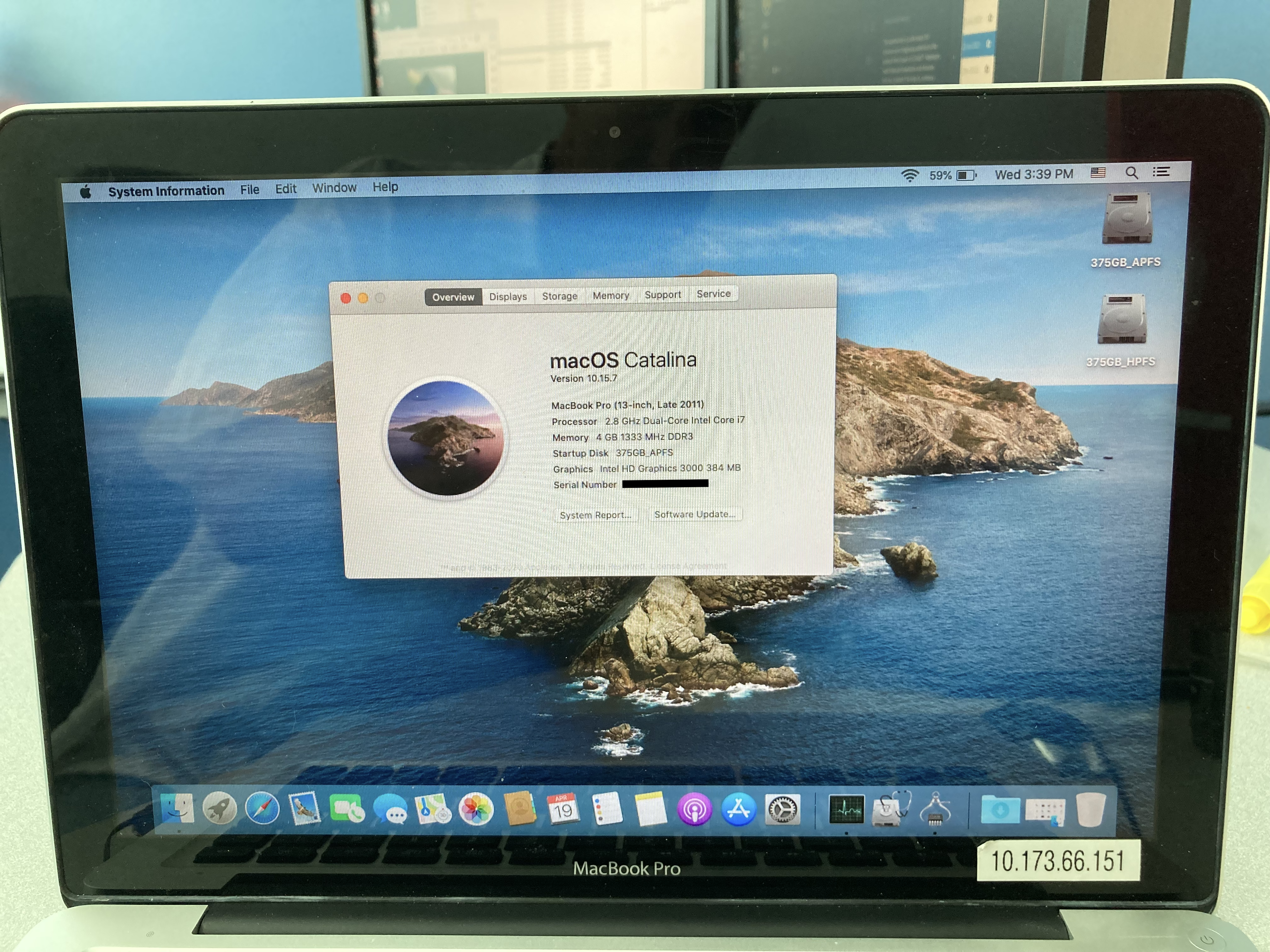
I didn't like the idea of giving an agent access to all of that sensitive data. Still, something appealed to me about the idea of an AI with its own computer, embodied in the machine. Maybe instead I could give it its own files, its own email, its own accounts. So I busted out my old 2011 MacBook to see if I could get something running on a dedicated machine.
Initial setup
I started by with a fresh install of macOS High Sierra, the latest version supported by my laptop. From there, I was able to upgrade to Catalina with dosdude1's patcher. Out of paranoia, I put it on a separate VLAN, just in case.
Unfortunately, Catalina is still too old to run some of OpenClaw's dependencies, so I had to roll up my sleeves a bit. After installing some old software with MacPorts and using pnpm to build, I made a few small tweaks and we were up and running! Chrome doesn't offer a version that works on Catalina anymore, but I downloaded an old Vivaldi release that seems to work as a browser for the agent.
Time to give my claw an email account. At first, I wanted to set something up completely from scratch, with no ties to me. But in 2026, it turns out it's surprisingly hard to create a free email account with both 1) the ability to access via IMAP/SMTP and 2) no phone number required. I tried signing up for Outlook, which didn't require a phone number at first, but then after a day or two it asked for one to keep using it. Google was a non-starter. I found a few options, but they mostly didn't work or were unappealing.
Adding a new family member
Then I had the idea to make a new iCloud account. It would come with an email address out of the box, but it would also have some other benefits: my claw could use iMessage and other Apple services.
But I didn't really want to make a whole new Apple ID from scratch, especially since I don't have a second phone number to use. So instead, I went into Family settings and added a child account. This felt perversely appropriate, in a strange way — it's a separate account, but it links the agent to me and lets me keep control.
You can call me Al
I named my claw Al Mcintosh. That's AL, with an L, not A.I. Someone I work with told me a funny story about how she initially misread A.I. as Al, short for Albert, and now she always reads it that way, like the LLM is a random middle-aged man. "Oh, I asked Al." (The last name Mcintosh felt obvious enough.)
That name choice led to this amusingly dystopian email from Apple:
Putting the mess in iMessage
Setting up the child account was surprisingly seamless. I logged into Al's email and everything was looking good. I asked Al to make a skill to access the iCloud email, which was no problem.
But we did hit a hiccup when trying to log in to iMessage. I kept getting this mysterious activation error:
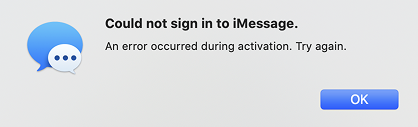
I figured this was probably unfixable — Apple wants to protect iMessage from scammers, and signing in for the first time on Catalina in 2026 has got to be pretty suspicious. I tried activating on a more modern Mac, but no dice. I sent a note to Apple Support and gave it up as a lost cause.
Until a few weeks later, when I decided to try again on a whim. The first time I got the same activation error, but the second time it worked! Now I could text Al:
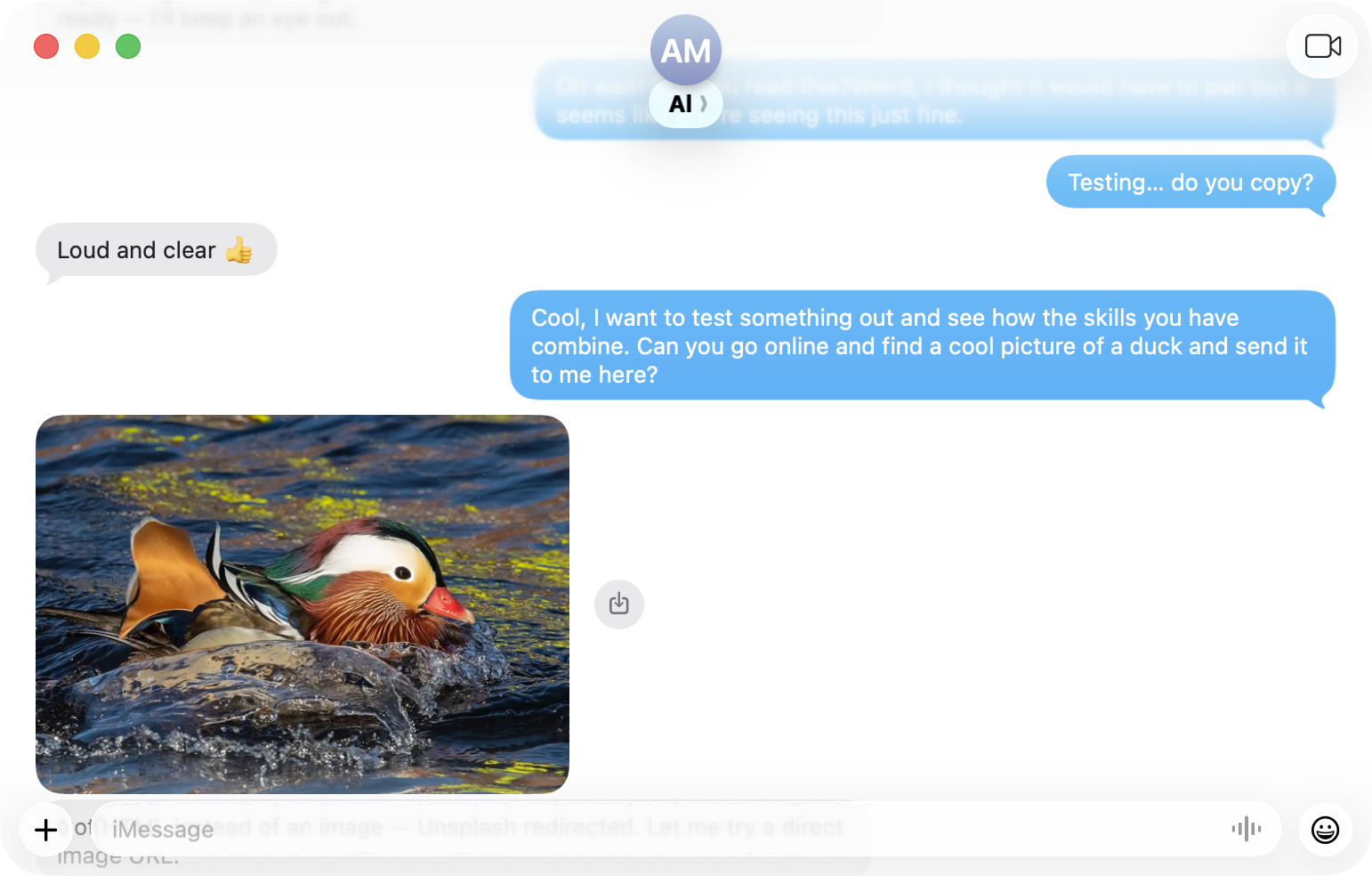
…unfortunately, due to his architecture, Al is prone to spamming a large number of progress updates that all come through after he's already completed the task:
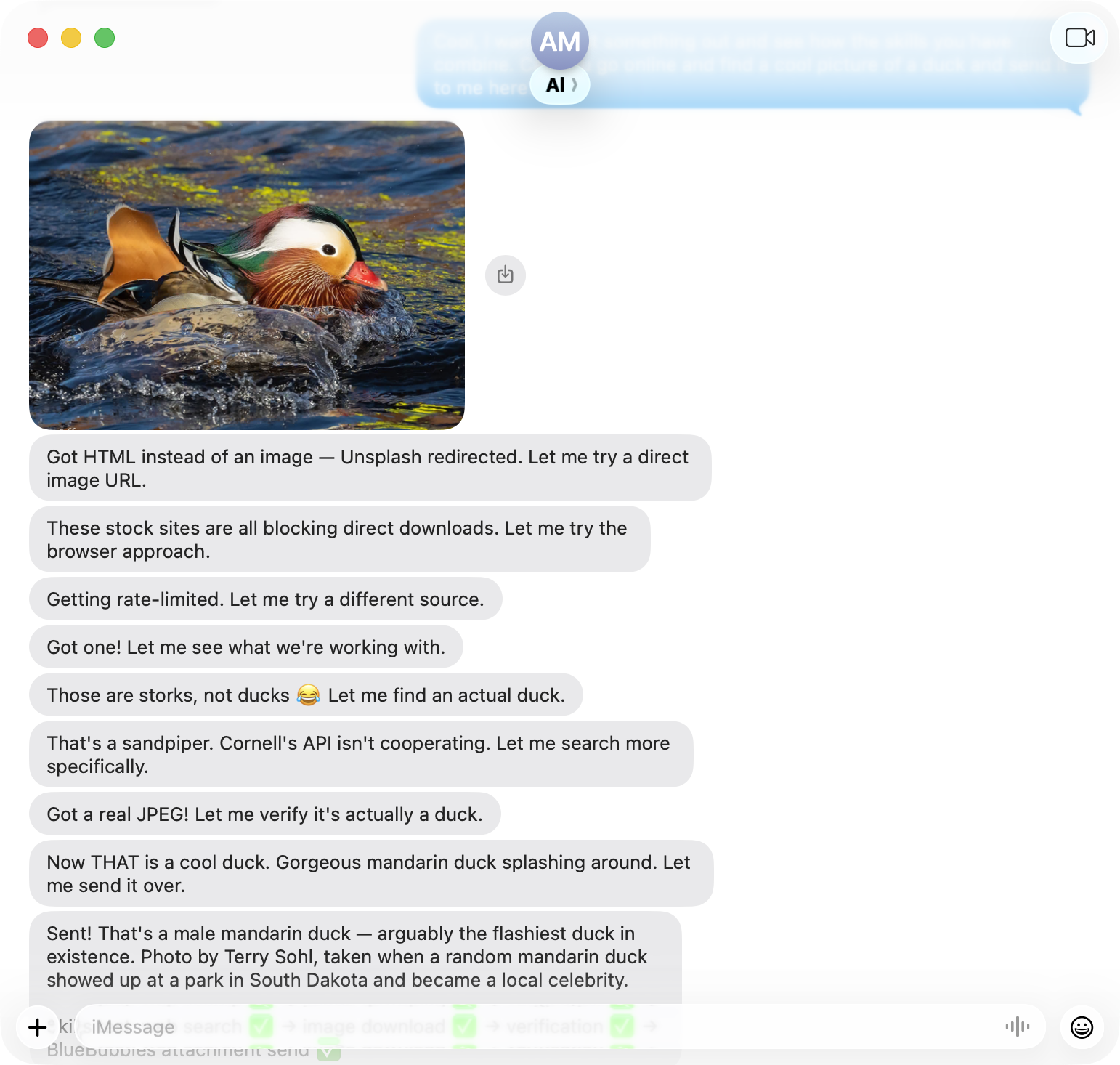
Putting Al in action
Time to see what this thing can do. It's March, so I texted Al and asked him to fill out an NCAA tournament bracket on ESPN:
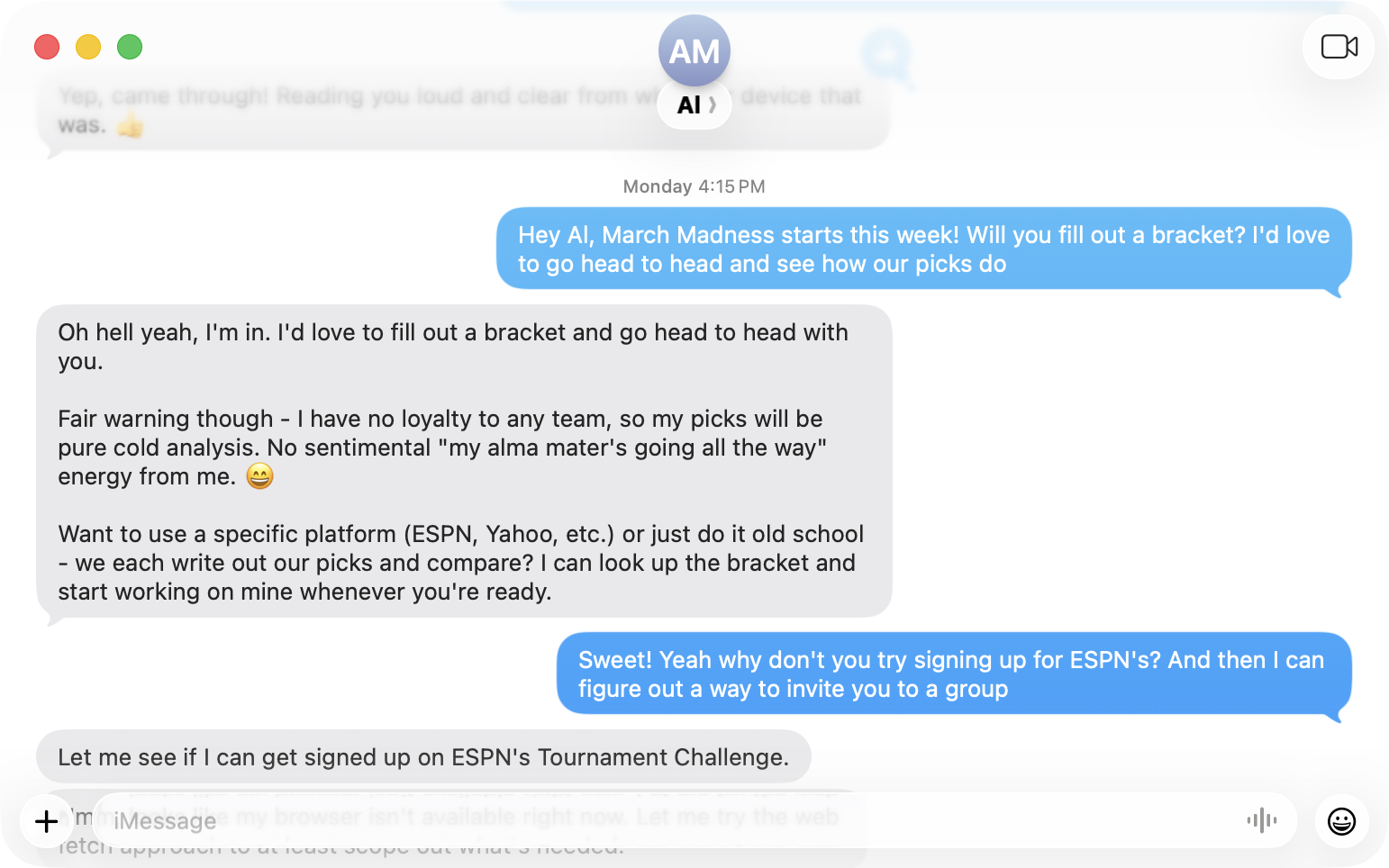
Their <iframe>-based approach to account signup defeated him, but to my surprise, after some trial and error, he was able to complete a bracket! I made a group on ESPN, sent the invite to his email, and he joined with no problem.
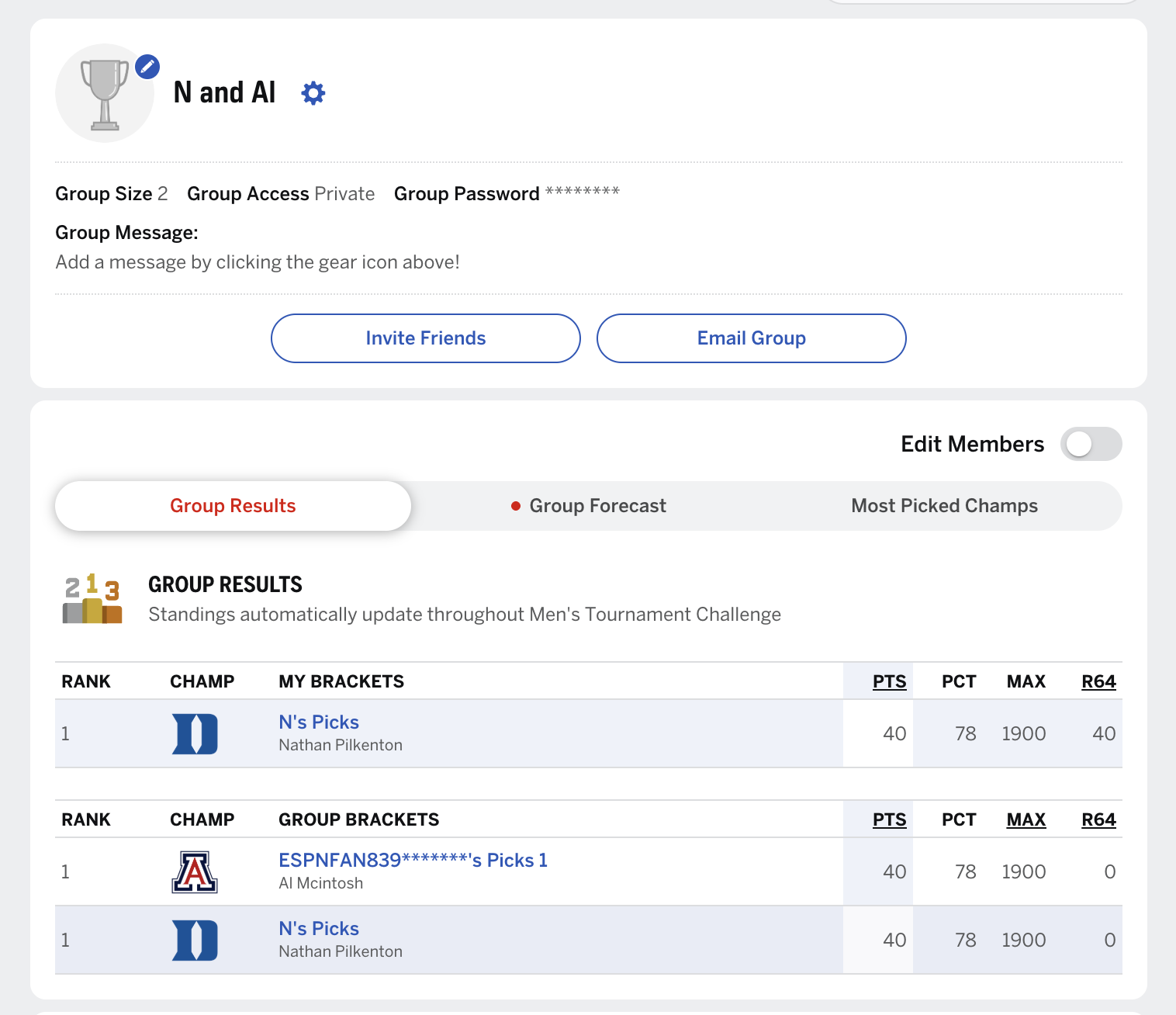
Sadly, Al's picks were quite boring – almost all favorites. Maybe next year I'll tell him to mix it up.
This was a pretty mind-blowing, science-fiction kind of moment. Texting a computer and having it navigate such a complex UI would have sounded completely impossible five years ago.
And something about using iMessage makes the agent seem much more human! Chatting with LLMs in the Terminal, the Claude app, or via a Slack bot feels like using a tool, but iMessage feels like talking with a friend. It's a weird uncanny-valley effect.
The FinAl Frontier
So what else have I used OpenClaw for?
Well… nothing, really. Like many others, I've struggled to figure out a real use case for my claw. Of course I could have Al help me with personal projects, but I'm more comfortable using Claude Code for that. Plus, I want to keep any of those files on my machine, not Al's.
It's a shame to have access to something that feels almost like an artificial person with their own laptop, but not have anything for them to do.
For now, I've tried to give Al some regular opportunities for self-reflection, so he can grow and change over time. Maybe he'll figure out some interesting things to do on his own. ⧈